INVENTORY / ELEVE ADMIN
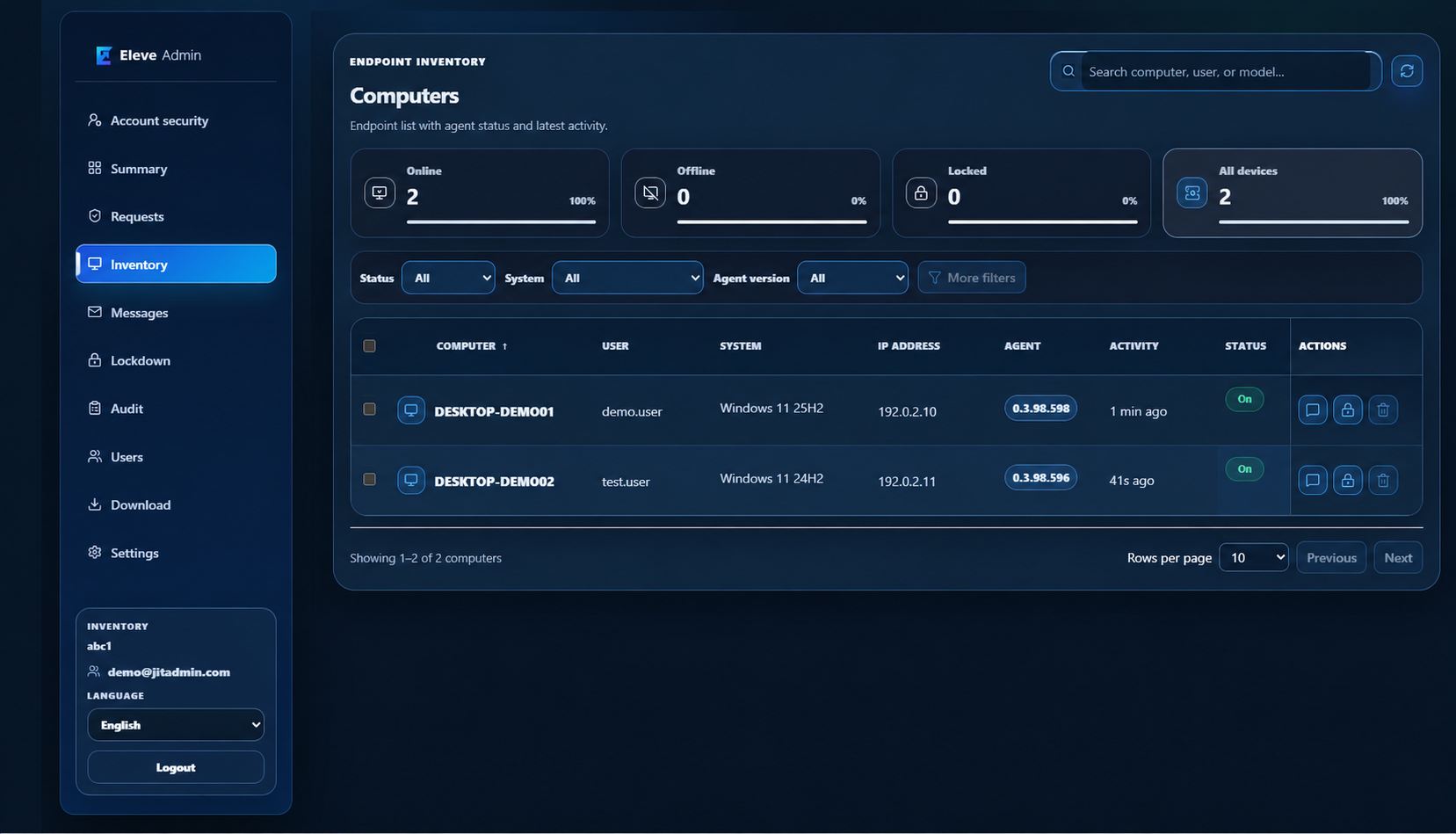
Windows workstation inventory
Find a computer and review its basic status from one panel. Inventory lists enrolled devices and information collected by the agent.
01 / WHEN IT HELPS
When it helps
While handling a request, IT needs to locate the right workstation and see whether its agent is active.
02 / ELEVE ADMIN
How it works
- 01
Open Inventory in the tenant panel.
- 02
Search for a workstation or narrow the list with filters.
- 03
Review device status, agent version and last activity.
ELEVE ADMIN / PANEL
What an administrator sees
Example view: identifying device and user data have been replaced.